I share creative and engaging content for design enthusiasts and creators! As a contributor for FreePik, I bring you tips, tutorials, and resources that will help you take your design skills to the next level
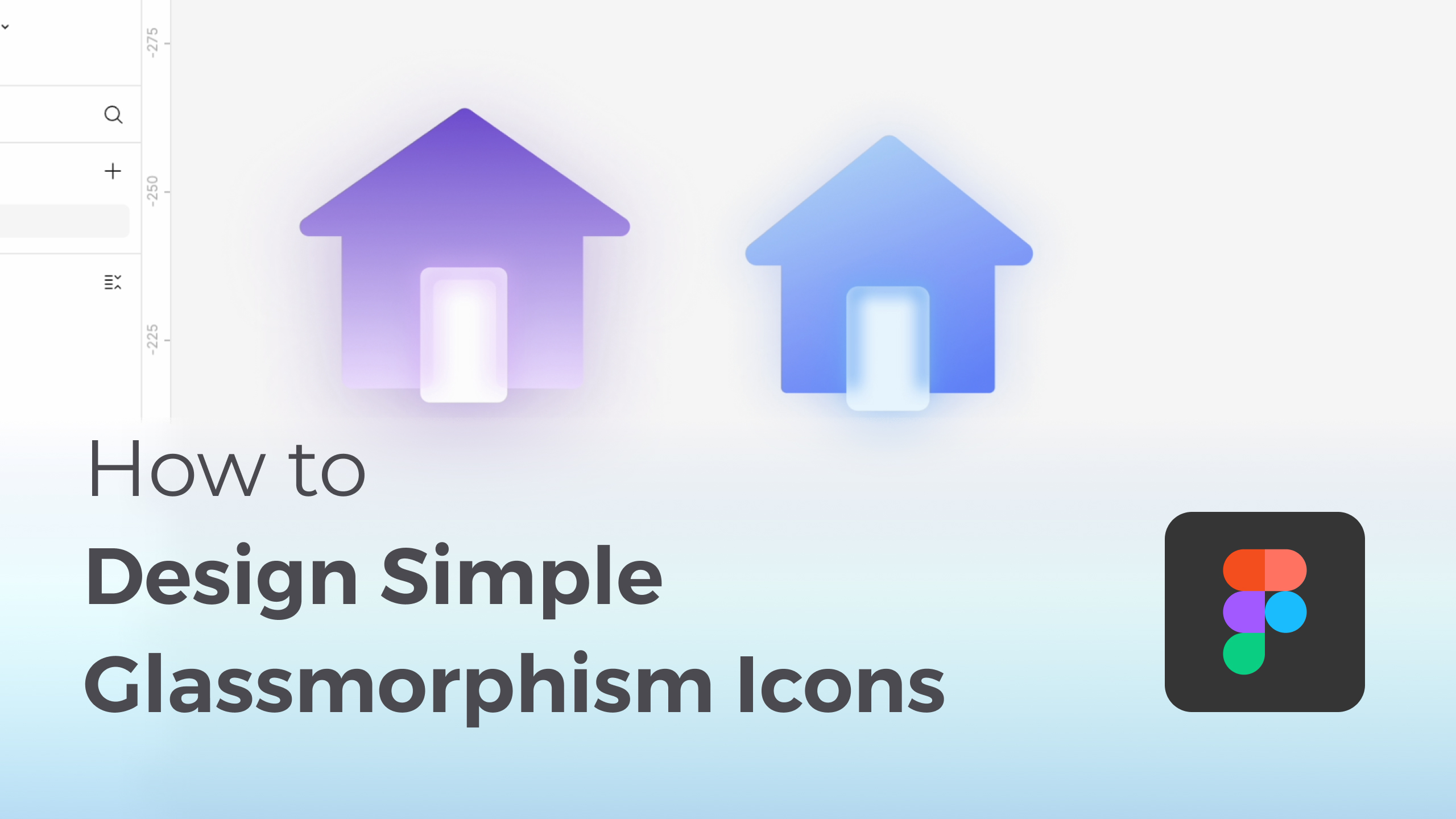
Want trendy glassmorphism icons? This simple Figma tutorial makes creating the effect a breeze! Design unique icons for any project effortlessly.
I published the whole set of glassmorphism icons in Figma community, feel free to duplicate out in your personal project!: https://www.figma.com/community/file/...
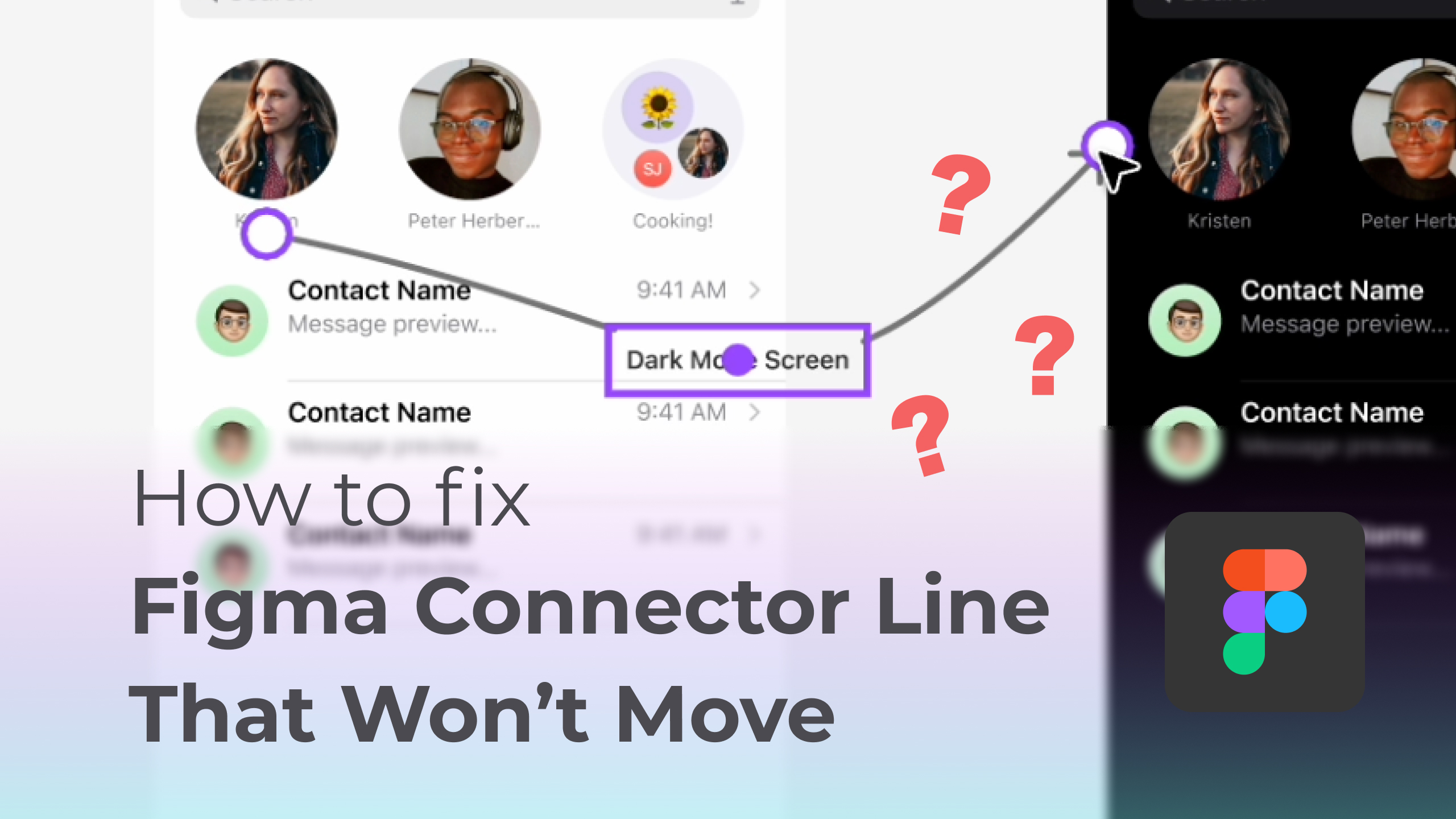
Having trouble moving connector lines in Figma? Learn how to fix it quickly by exiting Scale mode and regain full control over your connectors!
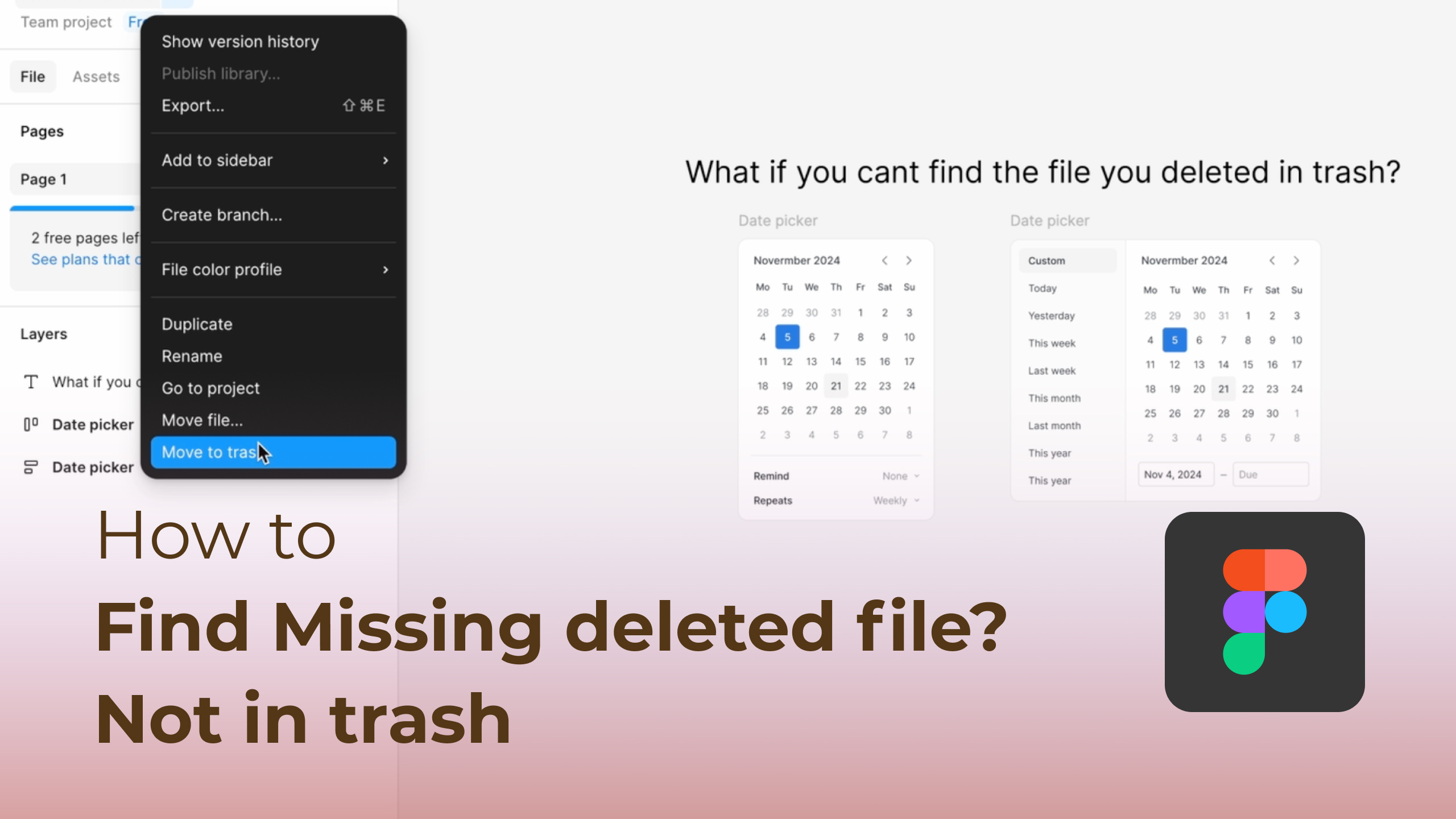
Accidentally 'delete' a shared file, only to realize it's still out there? This video explains why files created by collaborators might appear missing but are actually just in your Deleted folder. Learn the simple trick of using the 'Created by: Anyone' filter to recover them.
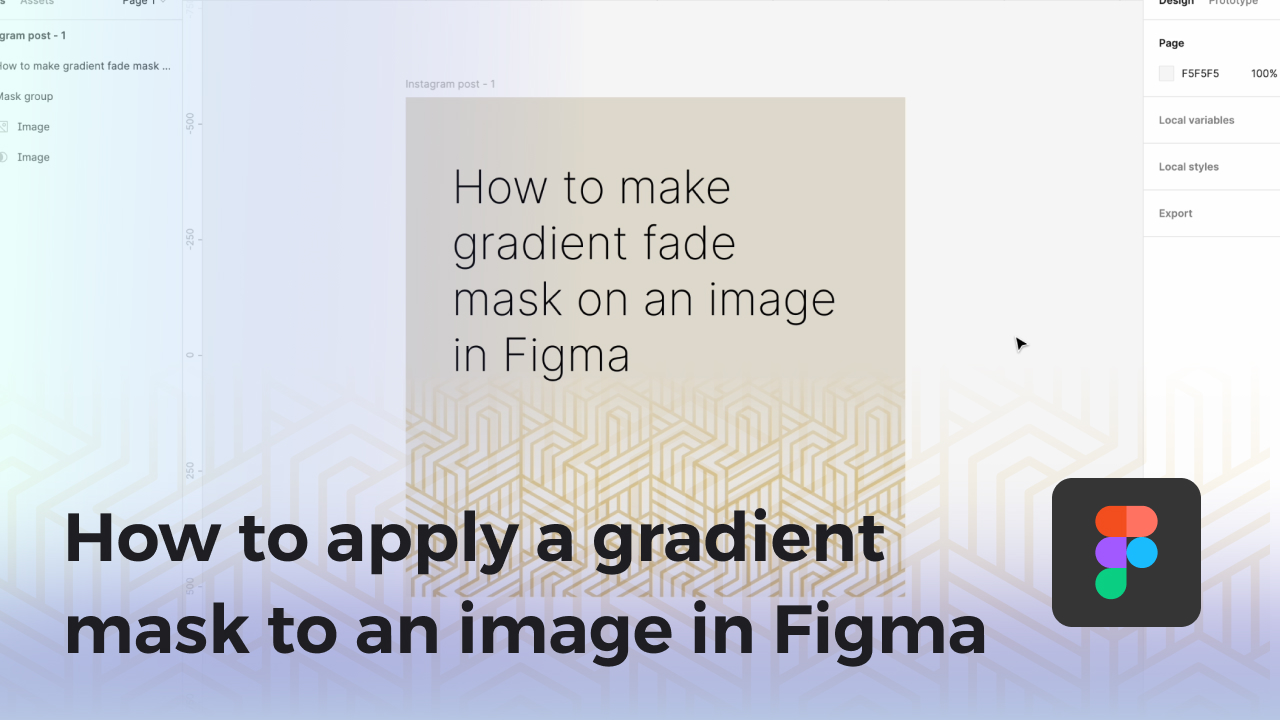
Is your Figma file turning into a tangled mess of layers? Spend less time searching and more time designing with this easy-to-follow tutorial!

Is your Figma file turning into a tangled mess of layers? Spend less time searching and more time designing with this easy-to-follow tutorial! .
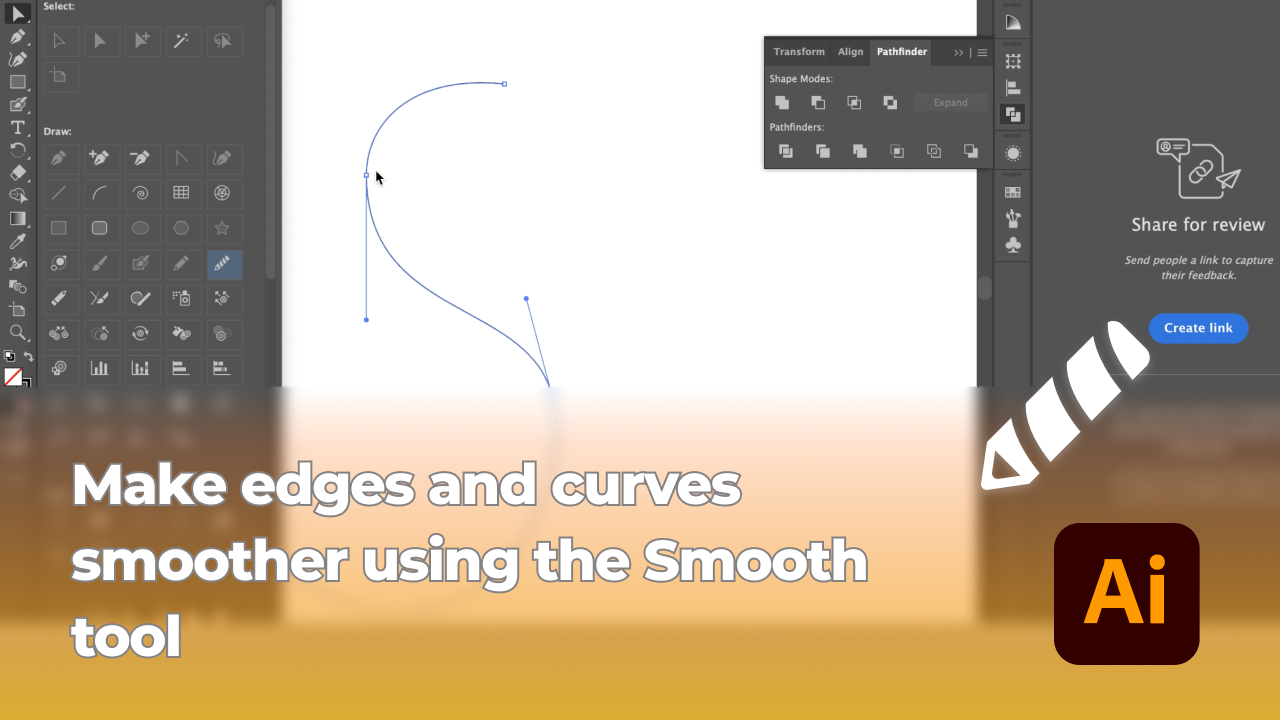
So, kick off your shoes, hit play on your favorite tunes, and let's give your designs that laid-back, easy-breezy vibe. We're on a mission to make your graphics so slick, they'll slide right into everyone's hearts. Ready to make your design game look effortlessly cool? Let's do this
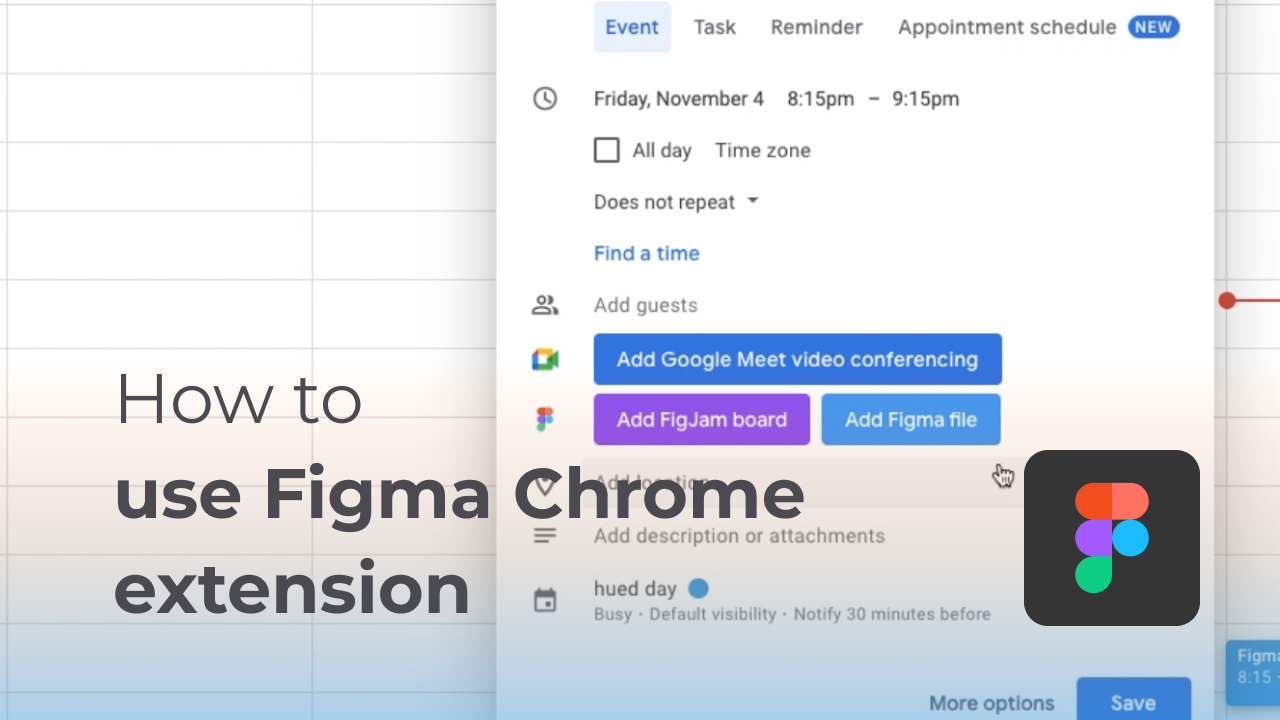
Recently in the new release of Figma, Figma chrome extension is launched. This extension allows you to attach Figma design file and Fig Jam without copy the link, you just have to choose from the list.
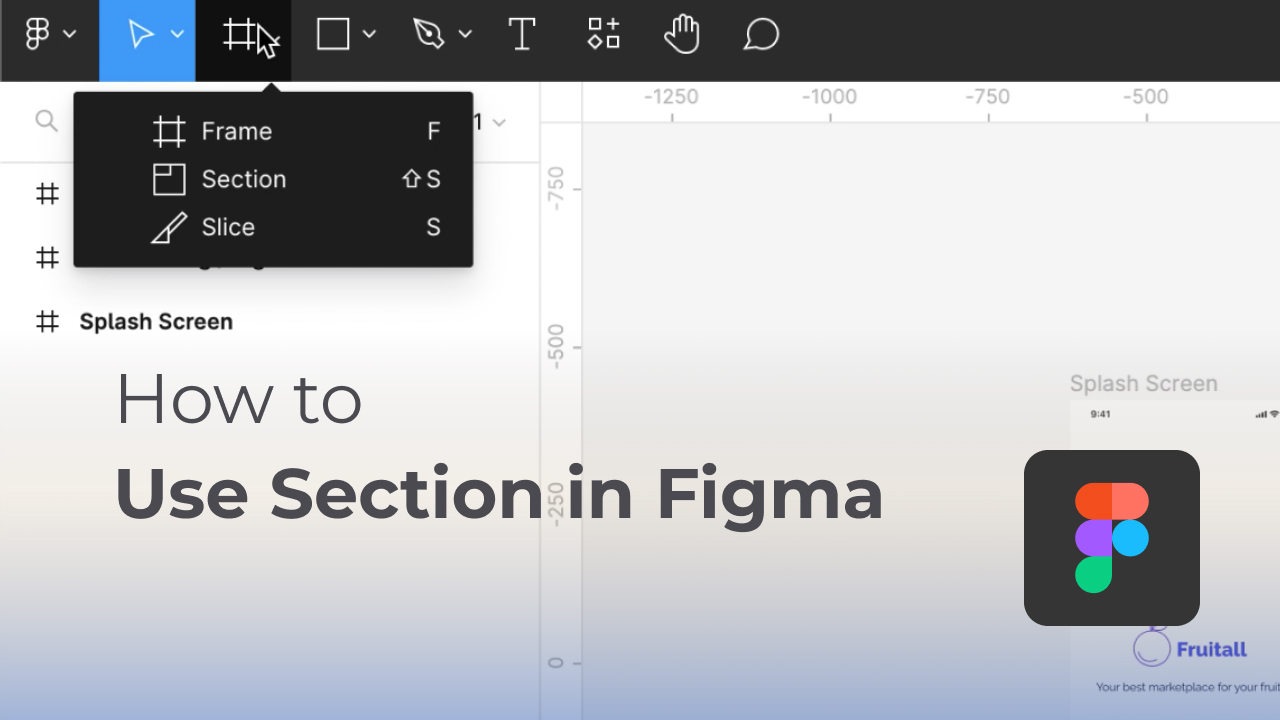
Figma comes up with a new feature (in design file) which called Section, if you are familiar with Fig jam, you realises there is a Section already there. Now you can use Section if your design file too, you can easily categorize frames in section now. This video going to show you the convert into section.

Another tutorial video is back, but this time is for beginner level even people who use Figma for the very first time. One of the useful feature is that Figma is cloud based app so you can share your file to anyone without download any app or software.

MasterGo is a new product quite alike with Figma developed in China, this time, i'm going to have a look and check it out!
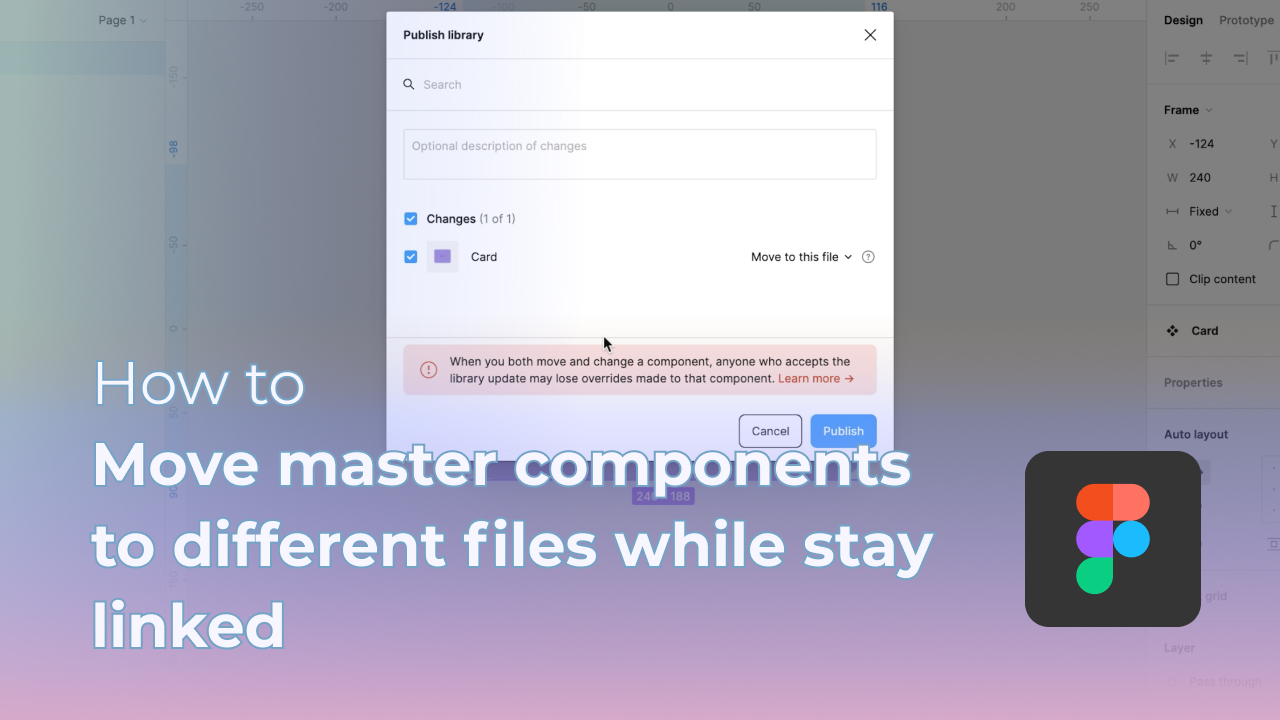
Please note that this tutorial is not for Free plan as this library feature only open for paid users/project.
Sometimes it could be confused when comes to move component between files while remain the linked from main component and child components.
Hope this tutorial somehow helped you.
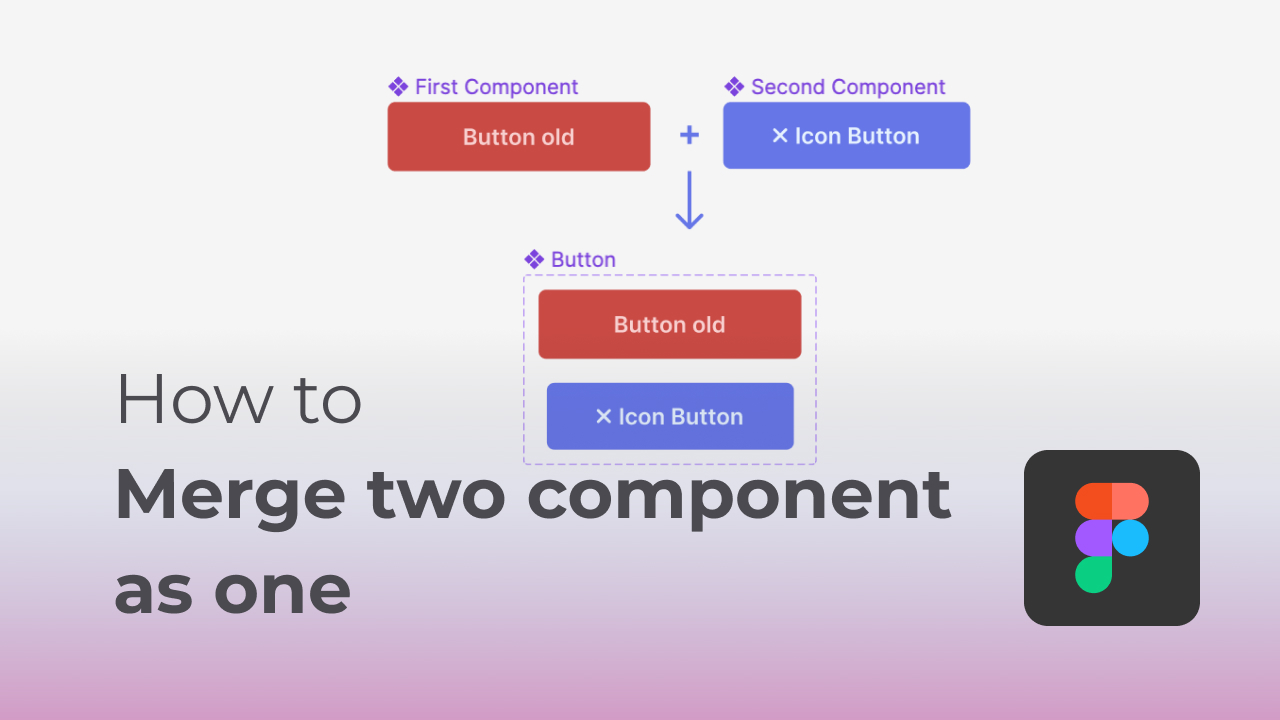
Hey y'all. Have you wondered how to move one of your component to another existed component? Today I'm going to show you one of the way. This way is much quicker and simple for beginner to start with.
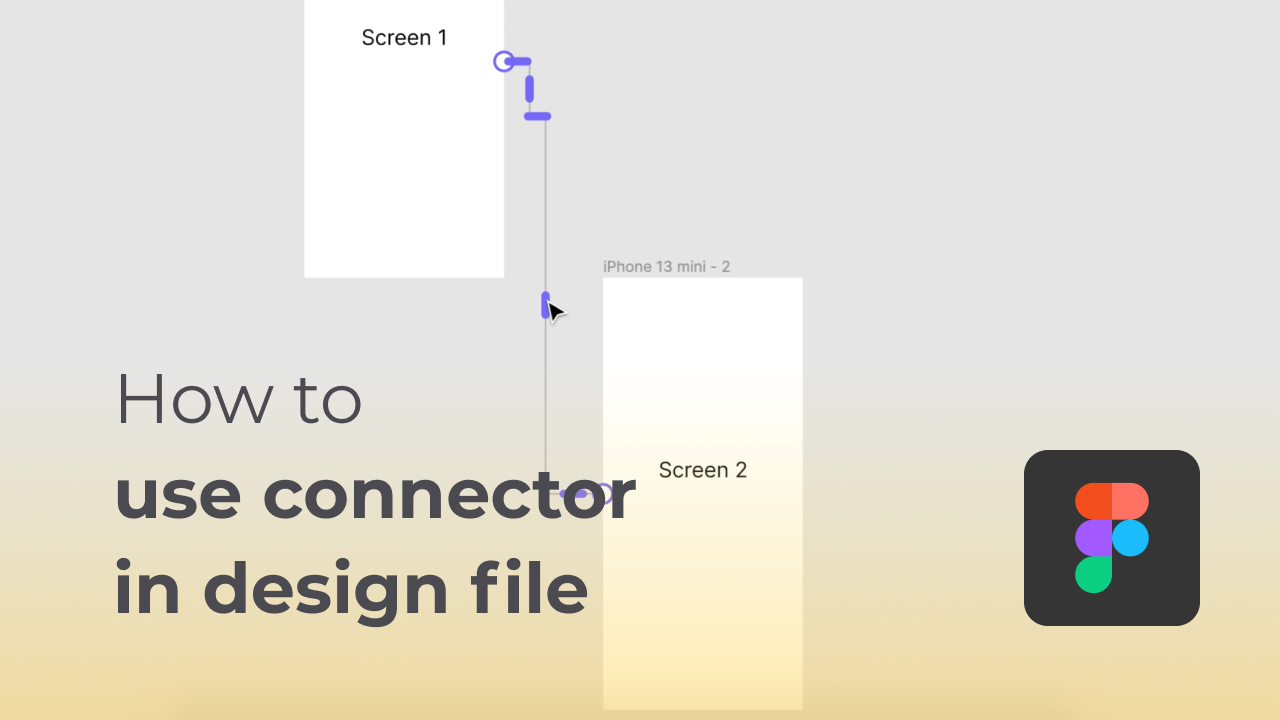
Hey everyone. Have you ever wondered can we use "connector" from Fig Jam to design file?
I'm going to show you now with this video! Hope you are gained this new knowledge.
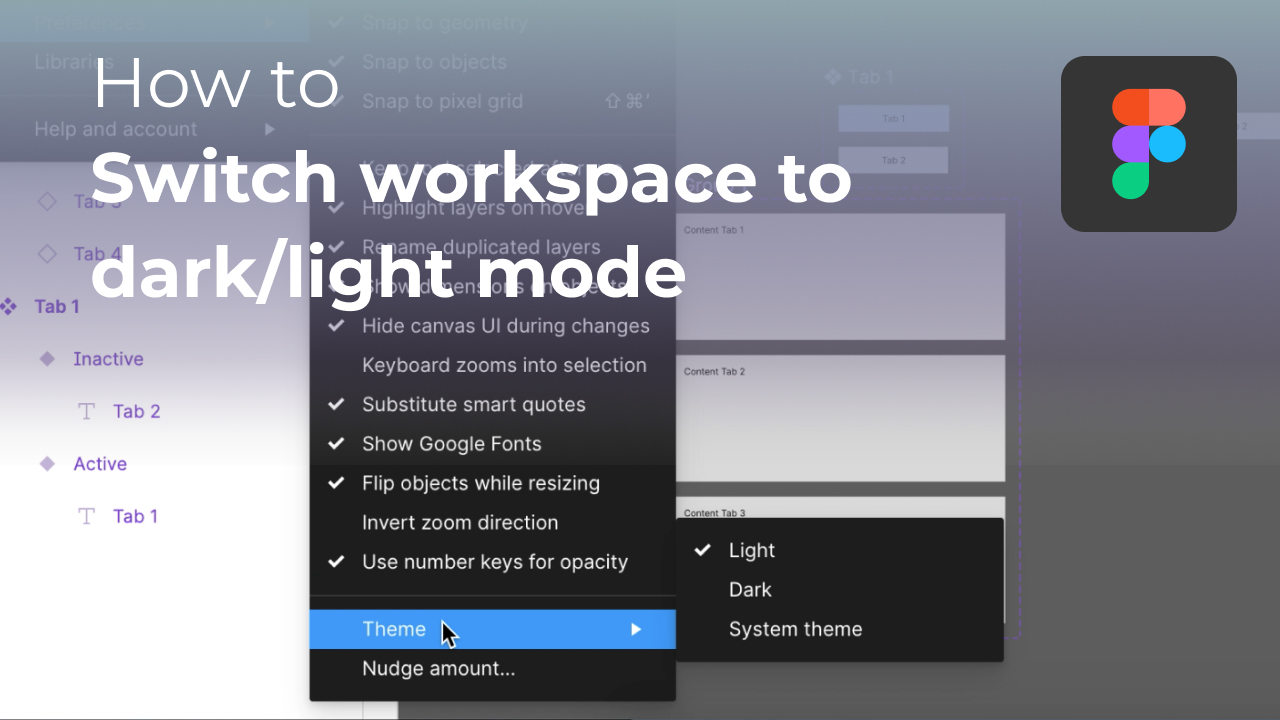
Recently Figma has released a new update where user now able to switch their theme for Figma workspace. This is useful when you have to work at late night, it protect your eyes while doing your work.
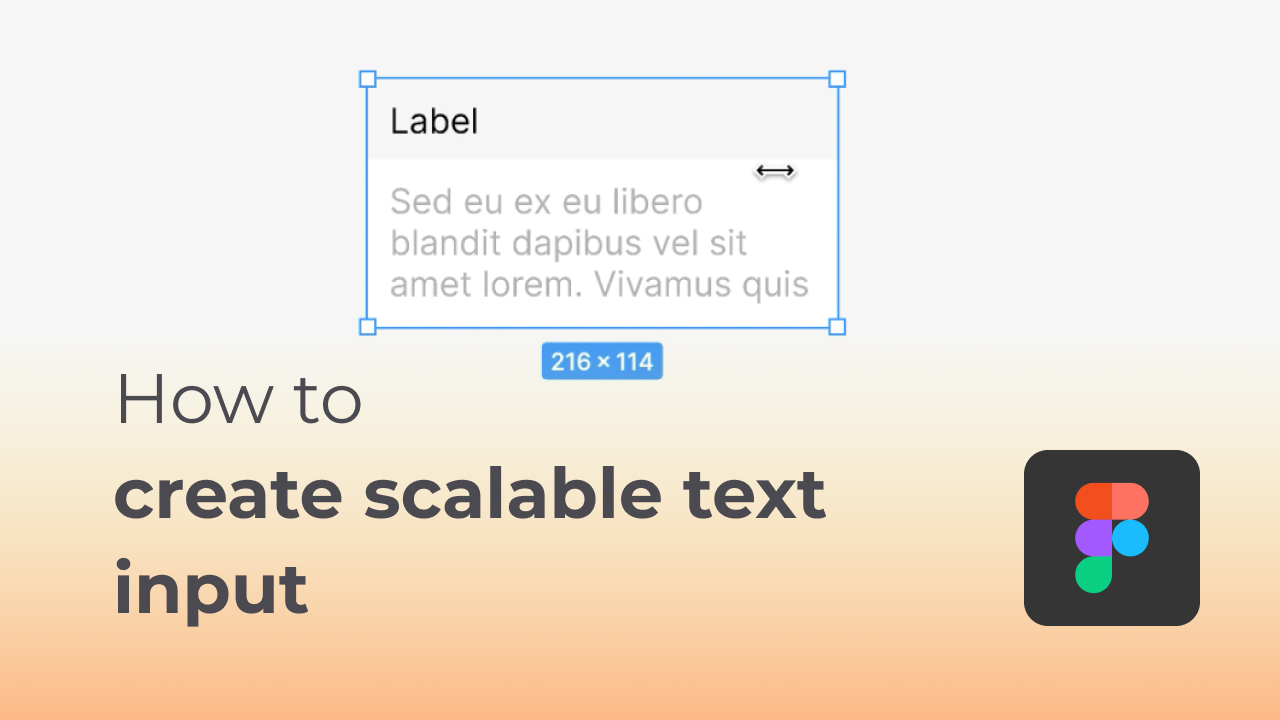
After fun project from last video, let's back another tutorial where I'm going to shows you how to make scalable/resizeable text input for your project without any manually resize issue.
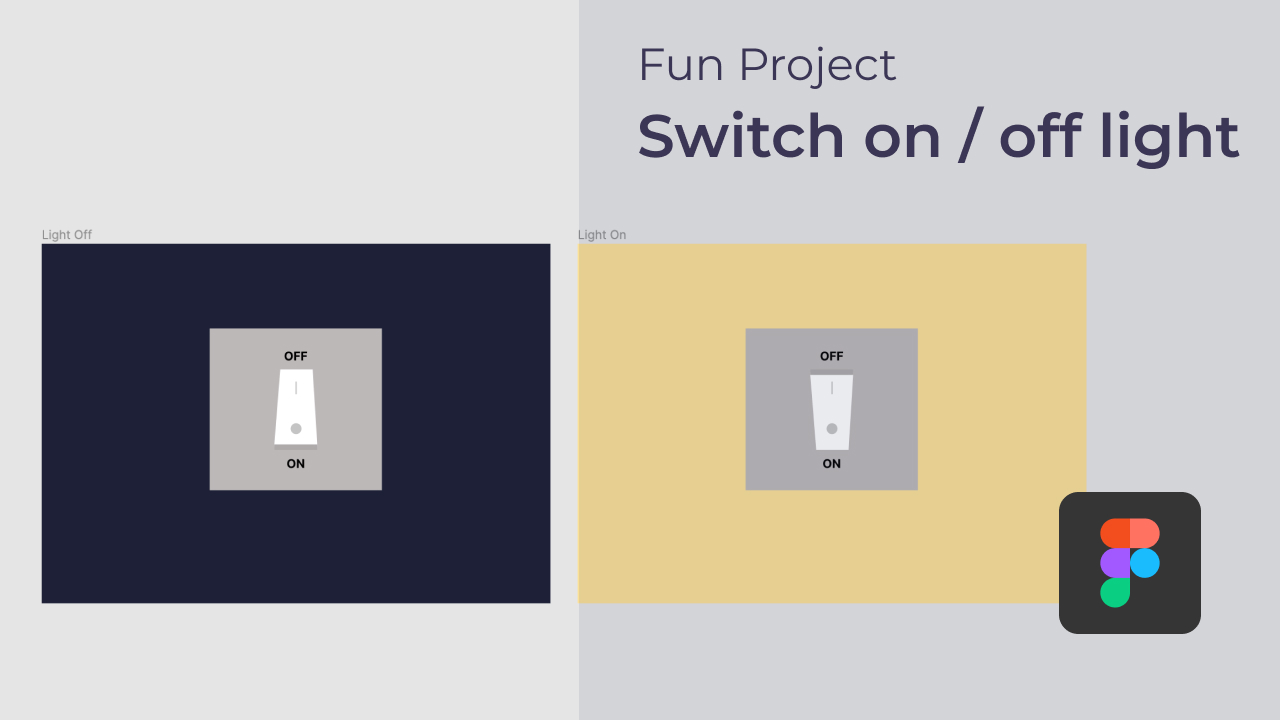
Hey everybody, today i'm going show you something beside the tutorial videos that I had made before. This is a project where you can have a very simple idea of how does the interaction works in between components/frames.
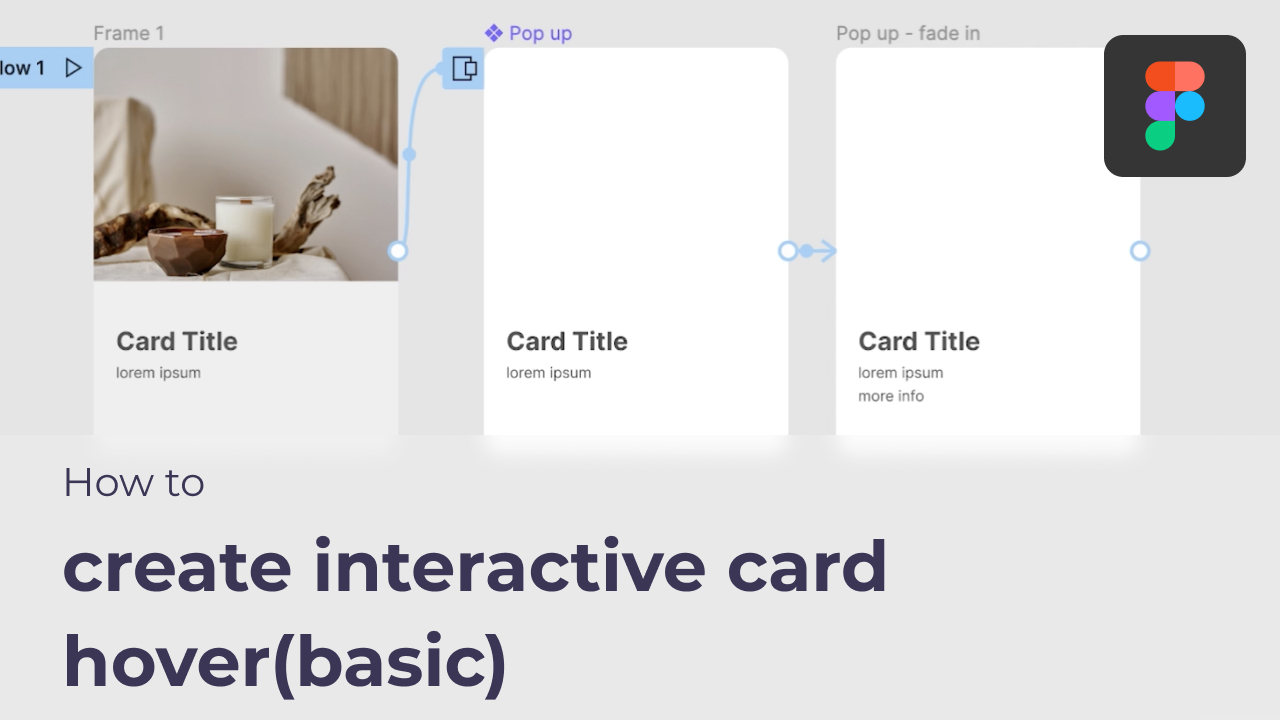
Hey, I'm back again..after a month, finally I have time to make a video to show you how to make a pop up modal in Figma. This is a very basic pop up with close button triggered by an open modal button. Hope this video will help you along the way. Love ya
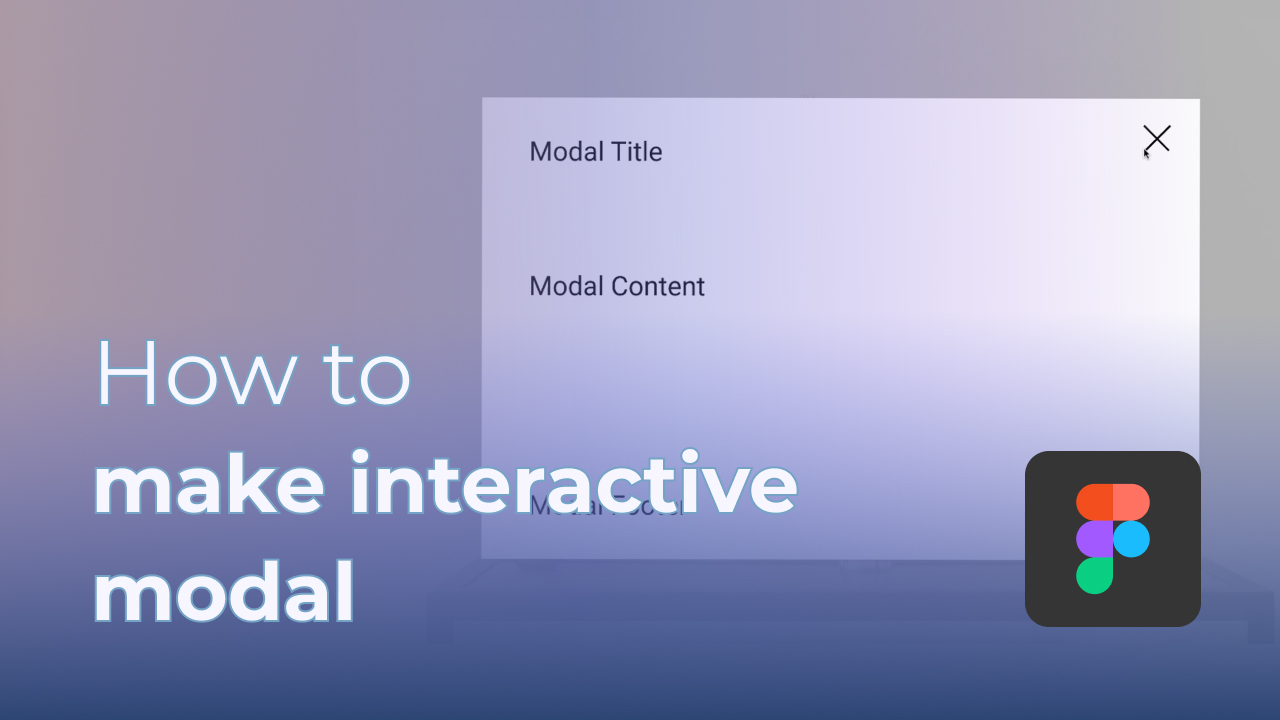
Hey, I'm back again..after a month, finally I have time to make a video to show you how to make a pop up modal in Figma. This is a very basic pop up with close button triggered by an open modal button. Hope this video will help you along the way. Love ya
Hey guys! I'm back with another video to show you a creative way to create your text in your Figma project!

Heyyy guyss, sorry its been awhile again! I'm trying to think about some content with really helpful instead of the typical tutorial. Why not this time we try to embed Figma file to other platform?
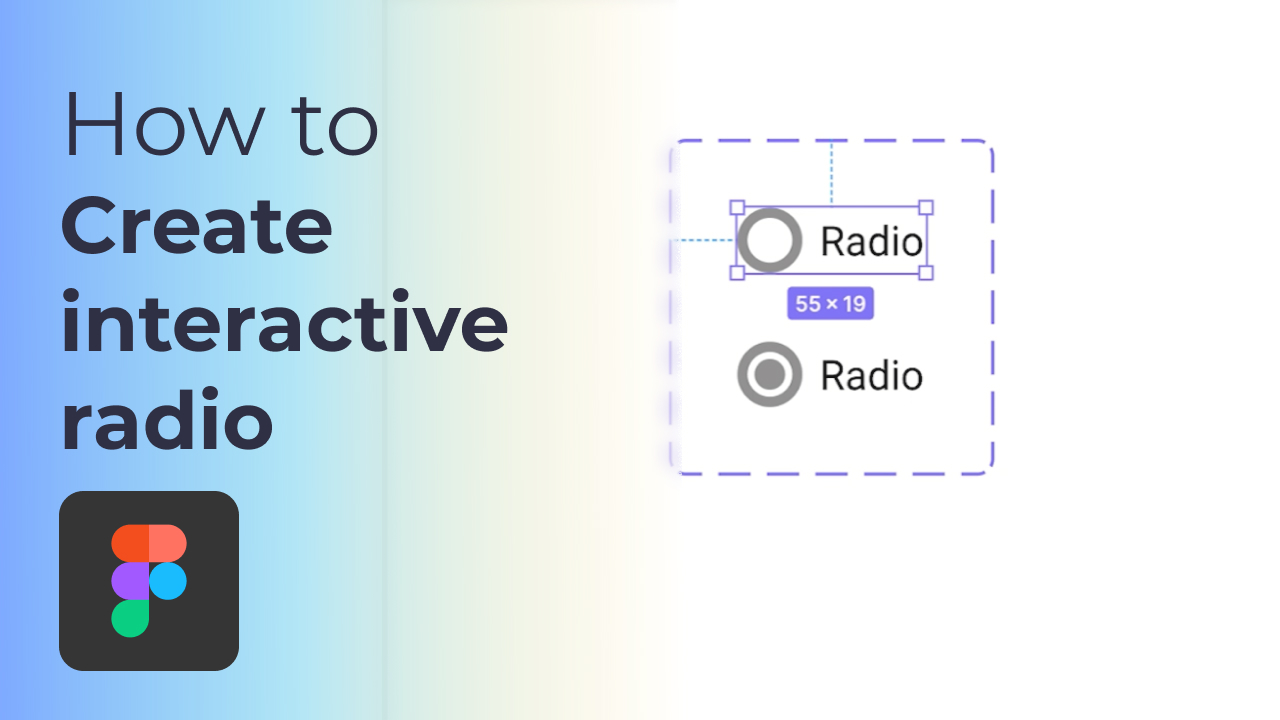
Hey everyone, still remember the last video about interactive dropdown? it's time to show you how to create for radio button. Bucker up! its just a 2 mins tutorial to help you create it in most simple way.
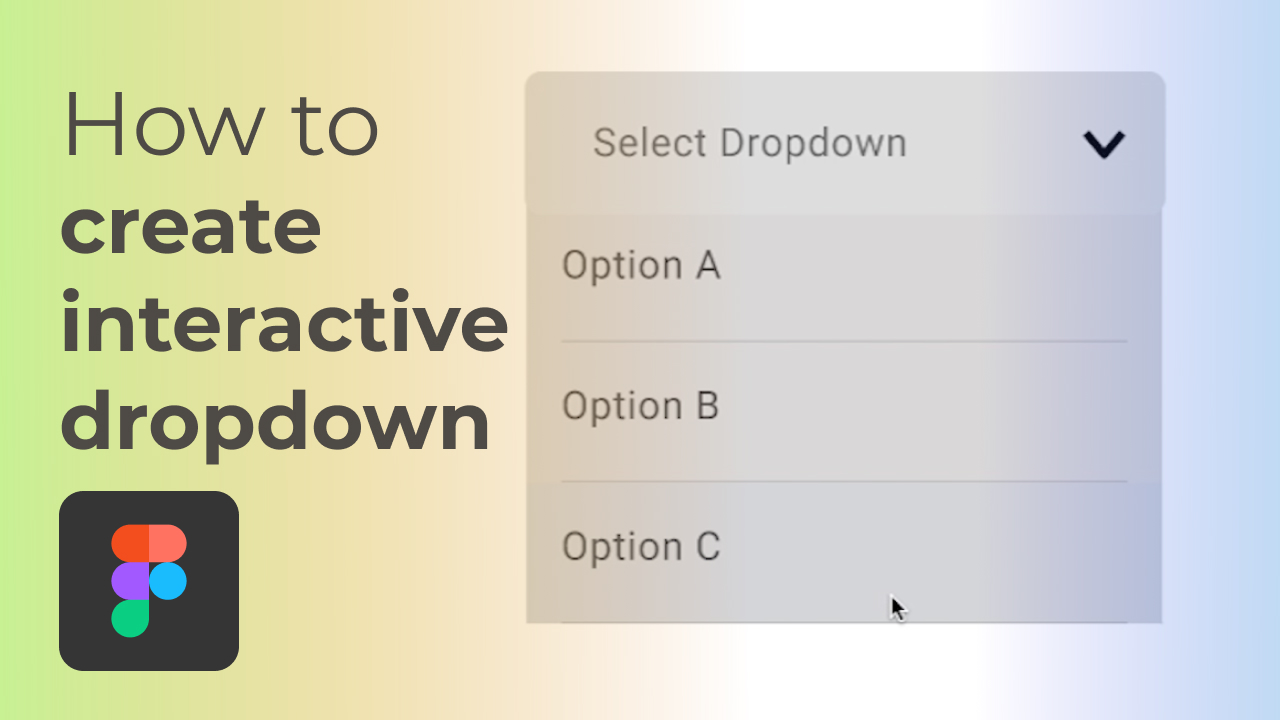
Hey yo everyone! Recently there is a new feature allows everyone to have more easy way to create interactive component in Figma prototype. So I decided to show you the way I done the interactive dropdown.
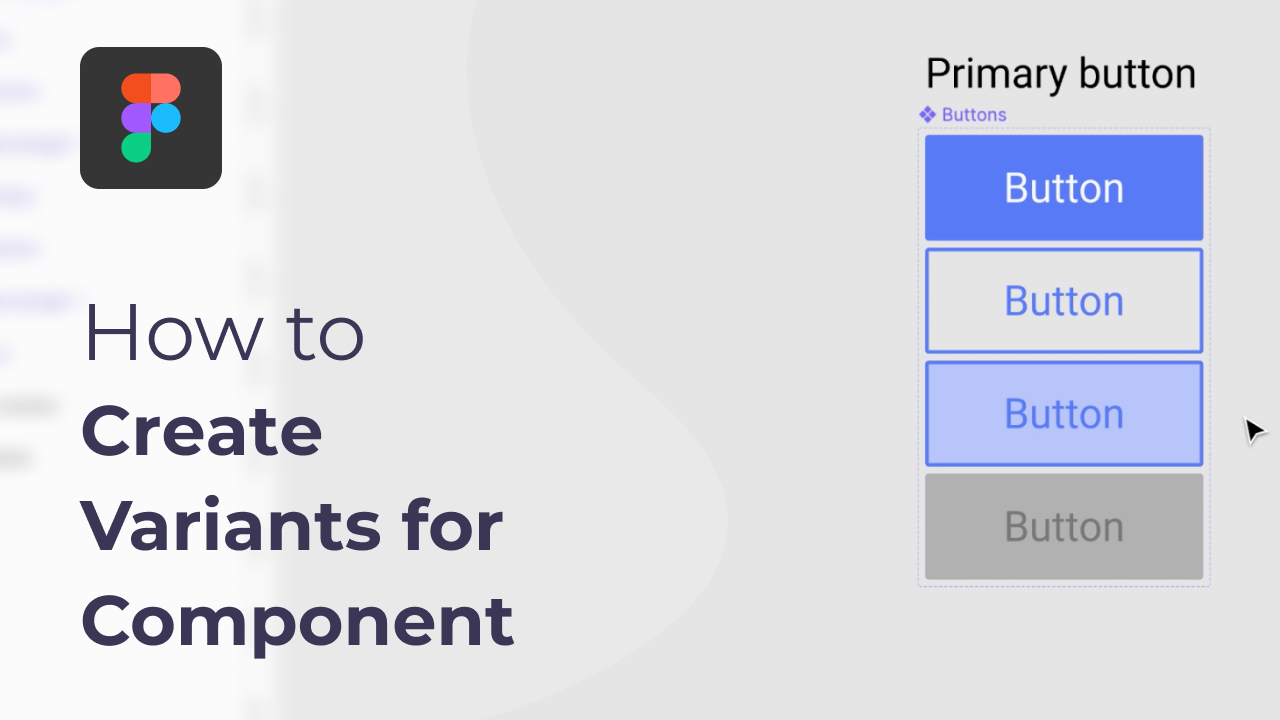
Hi everyone! It's been a while and today topic is variants, variants has been introduced from quite a while and been really useful for us as a designer. Hope this video somehow help you or let you know more Figma.

Hi everyone! I'm back with another tip for figma. I'm have noticed this function few days ago, and I found this really helpful as sometimes my frames is all over the place. Hope this video somehow help you or let you know more Figma.

Hi everyone, recently I have found that when I tried to import svg to Figma, there is always distorts paths after exported and try to import to Figma. So I have comes out with this tutorial to help anyone who have encounter this issue as well.

Hello everyone, I come back with another tutorial on vector diamond.
This video is inspired by the song from Ariana Grande "7 Rings".
Hey guys, i'm back with a new video today! I have been working on the community project on Figma lately, hopefully I can roll out more assets or content in the nearly future.
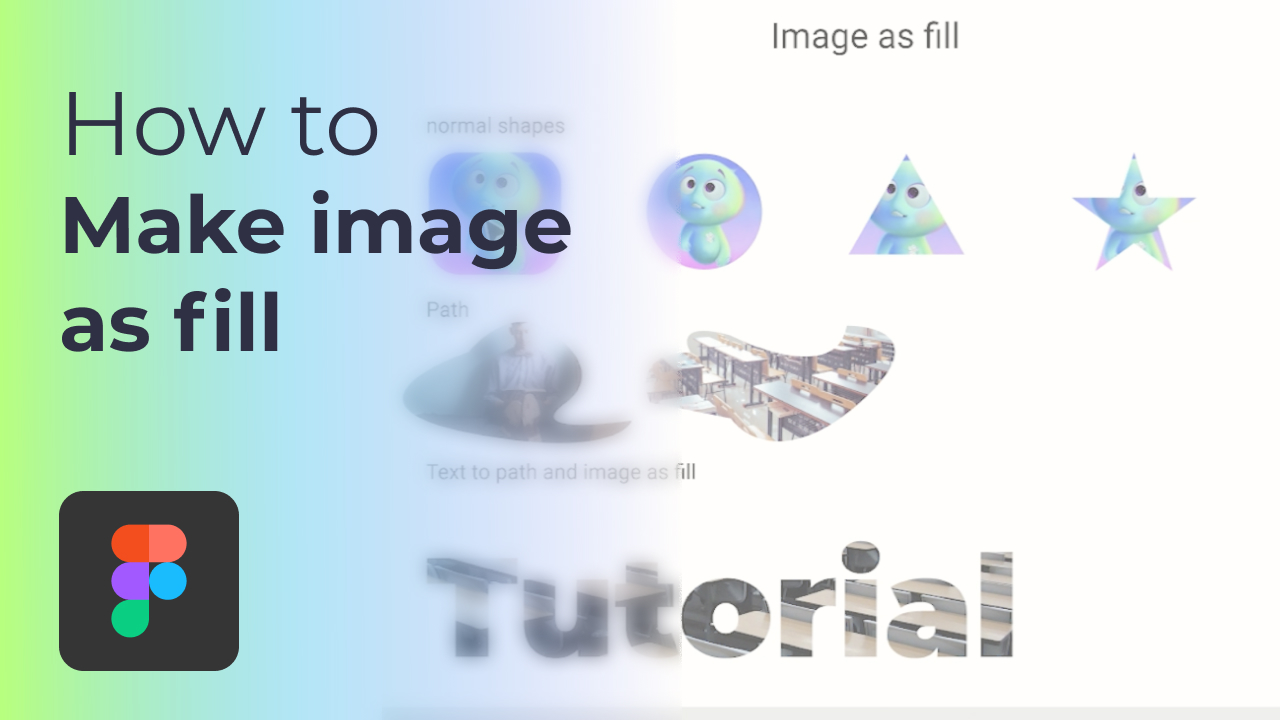
Hey yo, this time I'm going to show you how to make your images as fill in term of shape, path and text. Feel free to leave any comment or feedback if you have any better way! Let's learn together.
Hey yo, today i'm come back with how to add emoji into our Figma, hopefully somehow this video will help you know more and more about Figmaaaa.
Hey guys, I'm back with another video regarding to starting frame in Figma prototype.
In this video, I'm going to show you how to turn to APNG with after effect. I believe some of you want to turn GIF to APNG, but the quality will be terrible. Next time I will show you how to use different way to convert to APNG.

Helloooo, a new video is here! Today we are going to show you how to make heart shape icon in Figma. Tell me if this video is helpful!
Im back with more Figma tutorial this time. Hopefully these videos will help you embark you Figma experience better!
I found that when I first approach to Figma, I have this difficulty where when I resizing a frame, the components inside the frame will start to stretched out so I wish that this video could help people who facing the same issue as well!